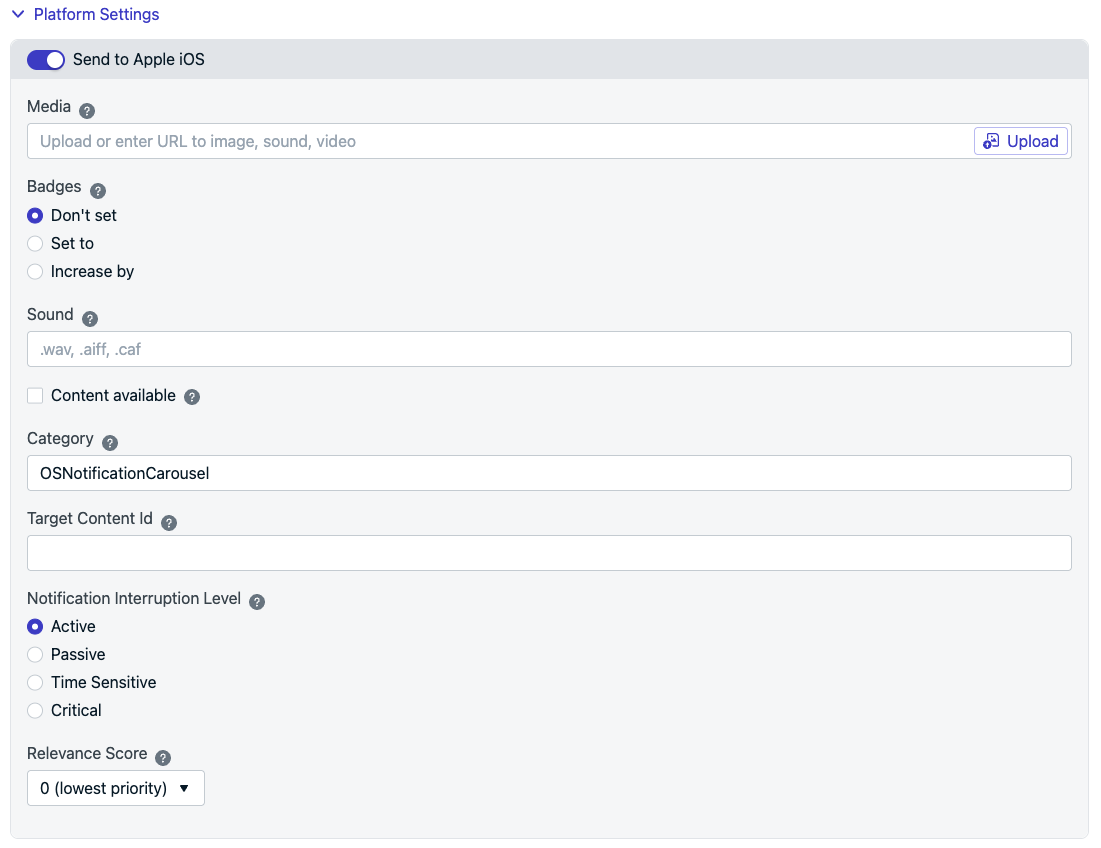
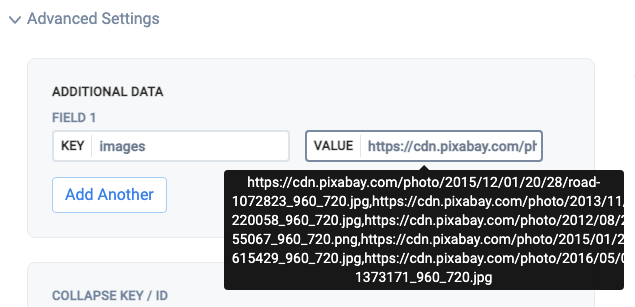
How to implement an image carousel in OneSignal iOS push notifications using Swift.
iOS provides a UNNotificationContentExtension protocol as the entry point for a notification content app extension. This can be used to display a custom interface for your app’s notifications. This example guide explains how to use this for creating a carousel within an iOS notification.
Image showing a carousel in a push notification
1. Add a notification content extension
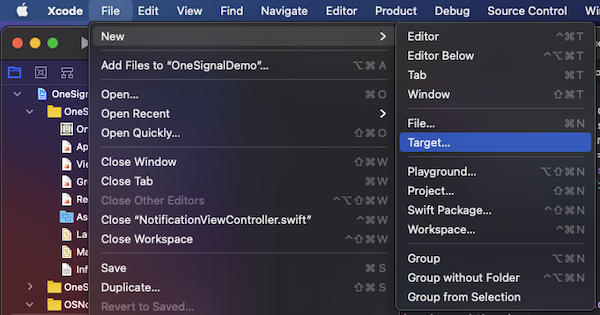
In Xcode, select File > New > Target…
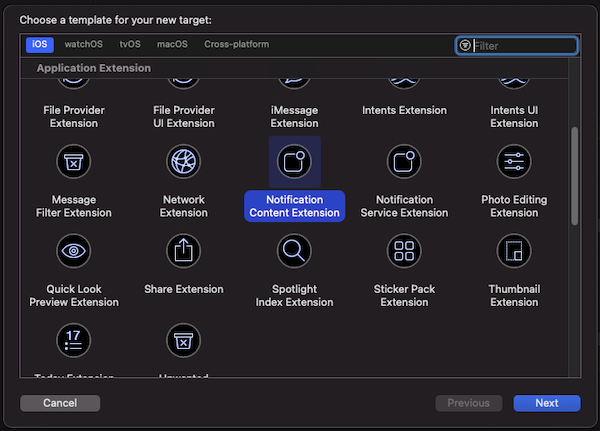
Select “Notification Content Extension”
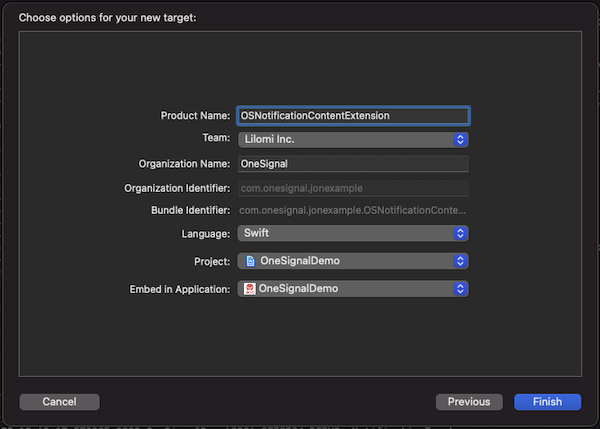
Confirm the selection on the window that pops up
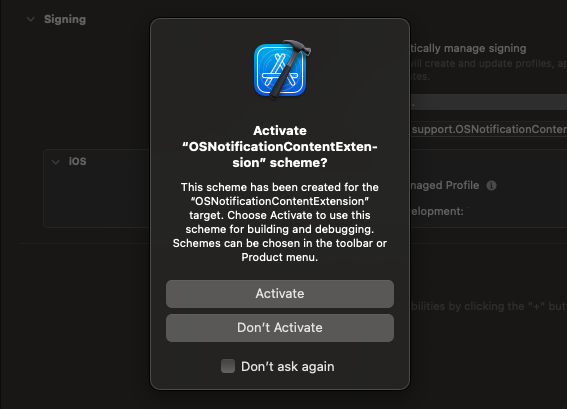
Select activate to debug
2. Add code to your app
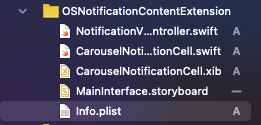
Download the OSNotificationContentExtension from Github and replace the OSNotificationContentExtension in your Xcode Project with the same file from Github.You should see the following files added:
Once you receive the push, you will need to long press or swipe left and click “View” to expand the notification depending on the iOS version.
Troubleshooting
The code sample on the Github page has lines that are commented out which show debug positions and print statements to help identify any issues. Uncomment those lines and you should be able to see if the Notification Content Extension is being instantiated. If not, please check that you have not missed any steps in the setup process. If you continue to have issues, please reach out to support@onesignal.com